SMTP connections
This is a PRO feature (not available in the free version).
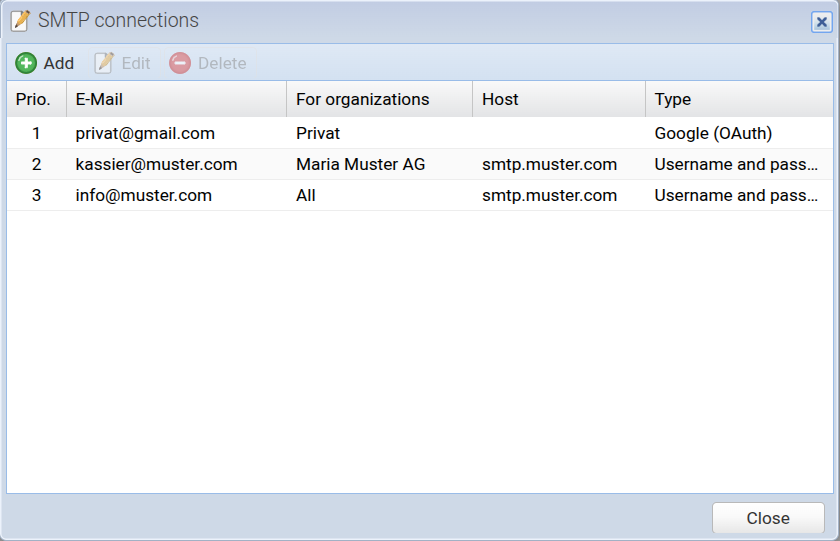
SMTP stands for "Simple Mail Transfer Protocol".
To send documents (e.g. invoices) via email, the default mail server of CashCtrl is used. In this case, CashCtrl sends emails using accounting@cashctrl.com as the From address and the user's email address as the Reply-To address.
To send emails using your own email address as the From address, you can define multiple SMTP connections here.
Add / Edit [more]
Add a new SMTP connection or edit an existing one.
Delete
Delete an SMTP connection.
Prio. (Priority)
SMTP connections can be prioritized using drag & drop. This means that SMTP connections with a higher priority are preferred. The SMTP connection with "For organizations: All" should be at the bottom, otherwise the other SMTP connections will be ignored.